
Export from Suno or Udio
Drop in the MP3 and skip the blank-page moment before practice.

For Suno & Udio creators
Get chords and lyrics that follow your music, so you can learn the changes and play along. With the monthly plan, mute vocals or instruments and rehearse your own part.
One free 90-second preview. Free account required. No card required.
Live demo
Try the live chord demo below. Follow the lyrics and chord changes as the music plays, or click a word to rehearse that moment again. The full app adds the monthly plan’s instrument mixer.
Real song · Live demo
Made with Suno
AudioChords
Intro
Click a word or chord to seek
, …
Loading…
How it works
Made a track in Suno or Udio? Bring the audio in, see what is happening, then practice from a chart you can actually use.
Drop in the MP3 and skip the blank-page moment before practice.
AudioChords finds lyric timing, song sections, key, and chord changes.
Transpose, correct details, print a chart, or rehearse in Performance Mode.
Features
Learn the changes, sing with the track, and rehearse your part. Synced chords and lyrics keep your place; the monthly plan’s instrument mixer lets you choose the accompaniment.
See the harmony move in time with the track instead of guessing by ear.
Follow synced lyrics while the chords stay attached to the right moment.
With the monthly plan, mute vocals to sing or mute an instrument to play its part. Adjust the mix and rehearse with the accompaniment you want.
Guitar · Piano · Ukulele
Create in Suno or Udio, then rehearse on guitar, piano, or ukulele with chords that stay tied to the song.

Guitar
See usable chord diagrams and move through the song without hunting for tabs.
Upload for guitar
Piano
Use the chord map to find voicings, simplify parts, and play along with the track.
Upload for piano
Ukulele
Transpose and rehearse with shapes that fit the instrument in your hands.
Upload for ukulele
SUNO + UDIO + MP3
Your Suno or Udio song should not stay trapped as a finished audio file. Bring in the MP3 and turn it into something your hands can learn.
Upload your MP3Pricing
14-day money-back guarantee if you haven't processed a full song. Statutory rights are not affected.
Blog
Short, practical lessons for Suno and Udio creators who want to play what they make.
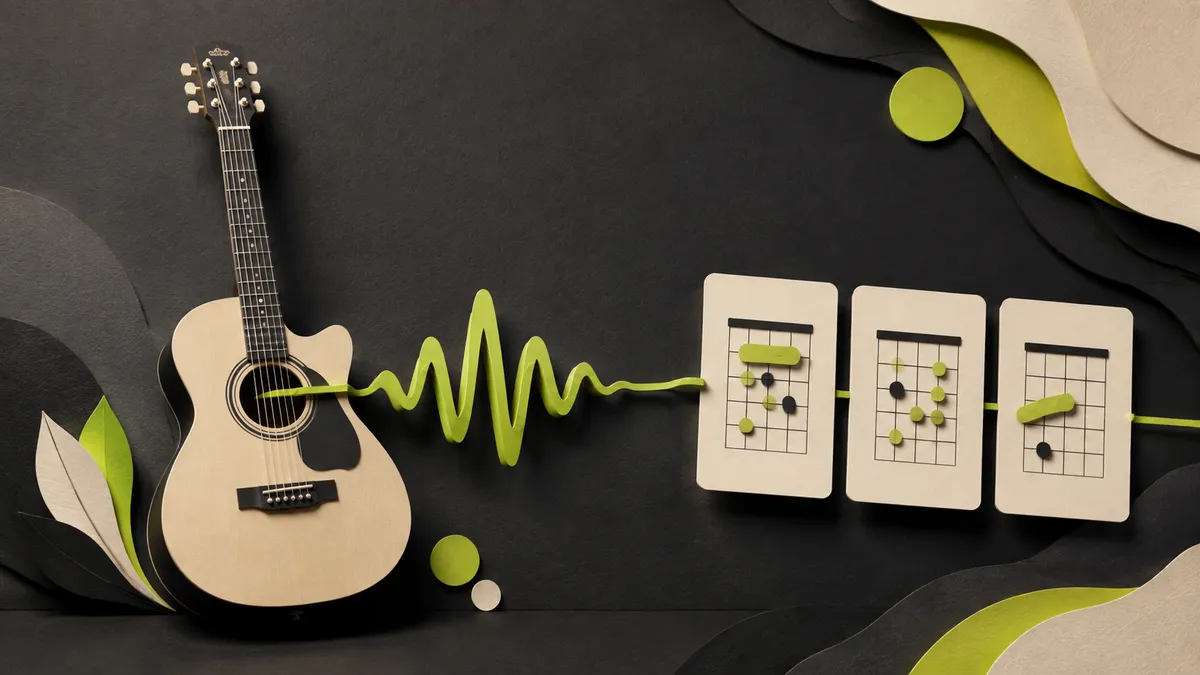
5 min read
Turn your Suno MP3 into a checked chord map you can actually rehearse.
Read guide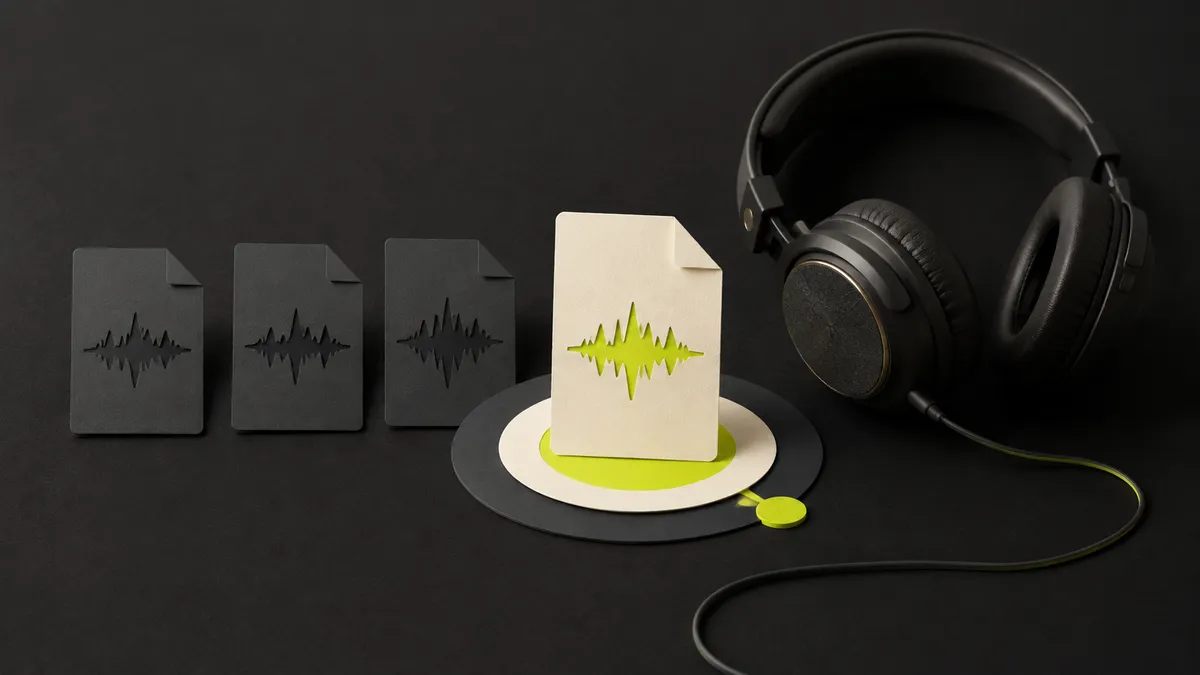
4 min read
Prepare the right file before you bring it into AudioChords.
Read guide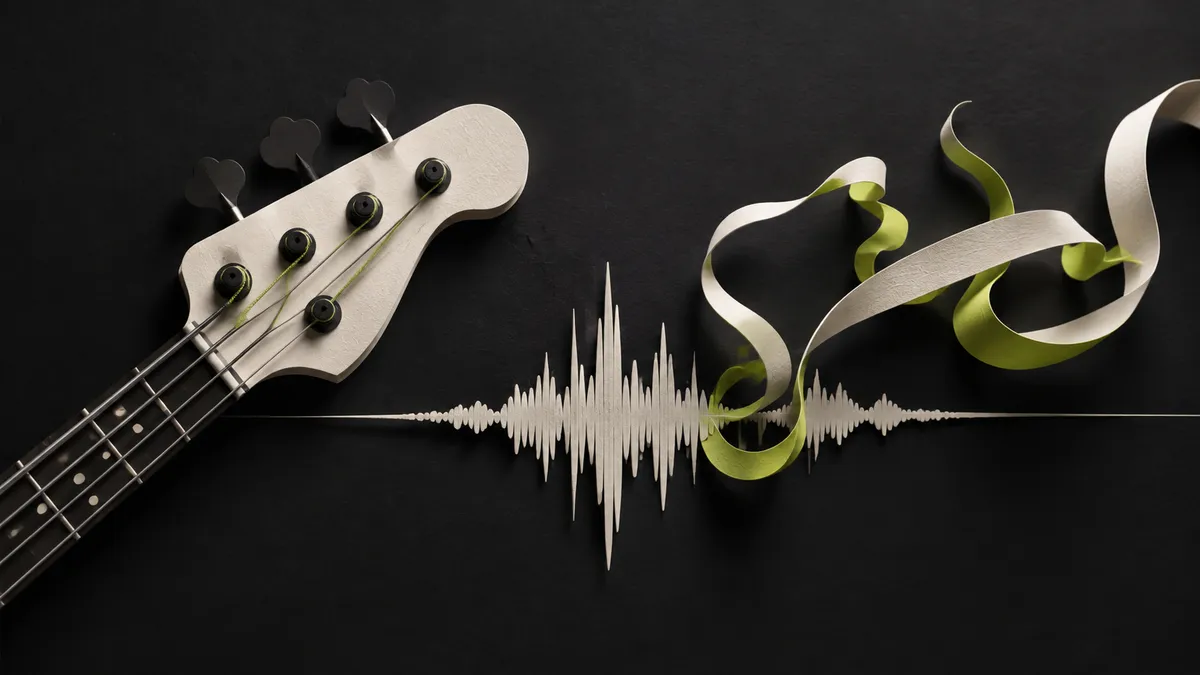
6 min read
Use bass, melody, and context to verify the chord labels.
Read guideMP3 files up to 20 MB and 7 minutes.
Yes. AI-generated lyrics and chord sheets are editable.
Up to 10 successfully processed full songs in each billing cycle. Unused songs do not roll over.
Your library stays available for 30 days, then the uploaded audio and generated songs are deleted.
Within 14 days of the first payment when no full song has completed. Failed processing never counts.


Bring your Suno or Udio MP3 and get a chord map, synced lyrics, and diagrams for your instrument.
Upload an MP3


