Write down which kind of chord name you mean
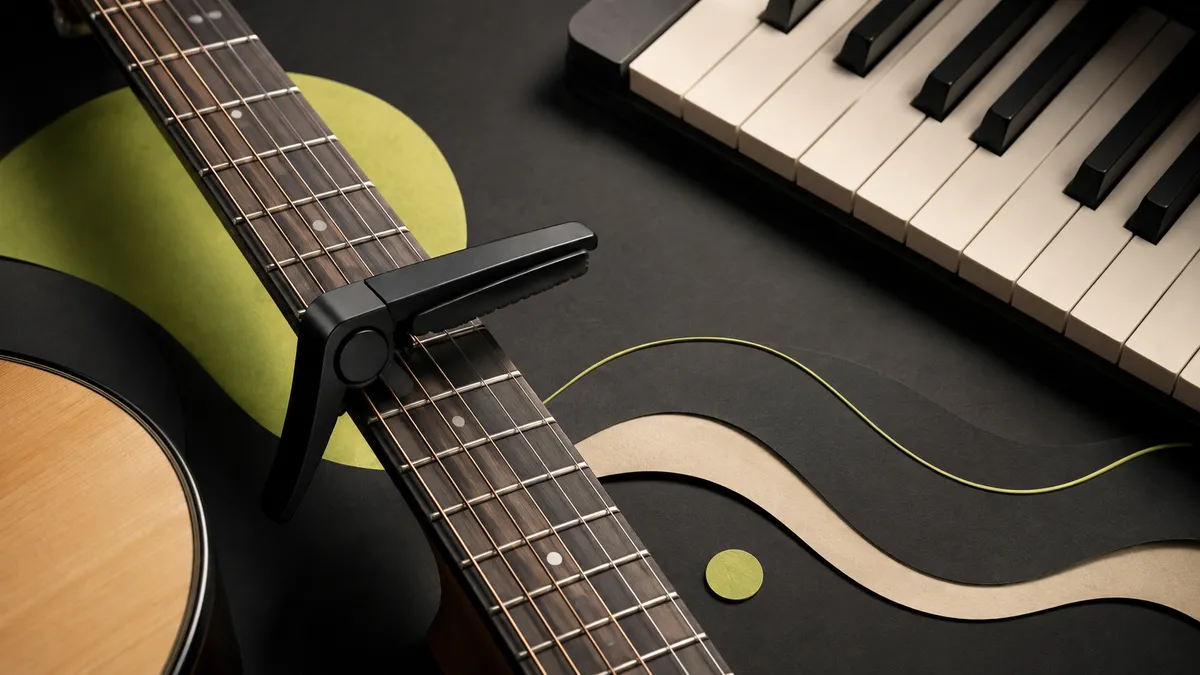
A capo can let a guitarist use familiar shapes while sounding in a different key. Concert chords name what the band hears; shape names describe the guitarist's fingering relative to the capo. AudioChords keeps these concepts separate through its key and capo controls. This matters when turning a Suno demo into a band arrangement: a pianist reading G should not have to guess whether the guitarist means a G shape or a sounding G. Before rehearsal, agree on one concert-key chart and label any separate guitar-shape notes clearly.
Name the two layers
A capo changes the pitch produced by a familiar guitar shape. With a capo at the second fret, a G shape sounds as A major. The shape name helps the guitarist move their fingers; the sounding chord name helps a pianist or bass player join in. Both descriptions are useful, but mixing them within one chart creates unnecessary confusion. Label your notes explicitly so that a list of shapes is never mistaken for a list of concert chords.
Verify the setup with one chord
After using the transpose or capo controls in AudioChords, play the first chord and compare it with the recording or another instrument. Check how the displayed labels relate to your capo setting rather than assuming every application uses the same convention. Count one semitone per fret to confirm the relationship. If your chord sounds too high or low, resolve the notation issue before changing every shape. Also check tuning after attaching the capo, since uneven pressure can pull strings sharp.
Communicate in the language of the ensemble
When rehearsing with other players, announce the sounding key first and add the guitar setup as a separate detail. For example, say that the song is in A and that you are using G shapes with capo two. Practice a section with another instrument to confirm every change, especially if a slash chord or borrowed chord appears. Do not assume the key name identifies all chords in the song. Keep a consistent reference throughout rehearsal. Clear capo notes are a small administrative step that prevents musicians from playing two transposed versions of the same progression at the same time.
A capo-two example for the whole band
Suppose the invented concert progression is A, E, F#m, D. With a capo at fret two in standard tuning, the guitarist can use G, D, Em, C shapes. The keyboard and bass still play in A; they do not switch to G because the guitarist sees a G shape. Test the first chord together: the guitarist's G shape with capo two should agree with the pianist's A chord. Then test the minor chord, because an unnoticed quality change is easy to miss when everyone concentrates on the root names. In your notes, write 'concert A; guitar capo 2, G shapes' rather than a bare 'key G.' That single sentence prevents a surprisingly common rehearsal mismatch.
Troubleshoot a chart that sounds shifted
If all the guitar chords are consistently too high or low, check capo placement and whether transposition was applied twice. If one string sounds sharp, check tuning and capo pressure rather than changing the chart. If your shape notes are correct but the singer needs another key, choose the new sounding key first and recalculate the shapes afterward. The app's capo setting describes the fingering relationship; it is not permission to assume the source audio has changed pitch. Use your authorized Suno recording as the original reference, with official download guidance for file access. Once the band agrees on the sounding key, play the entire progression together before discussing decorative guitar voicings.