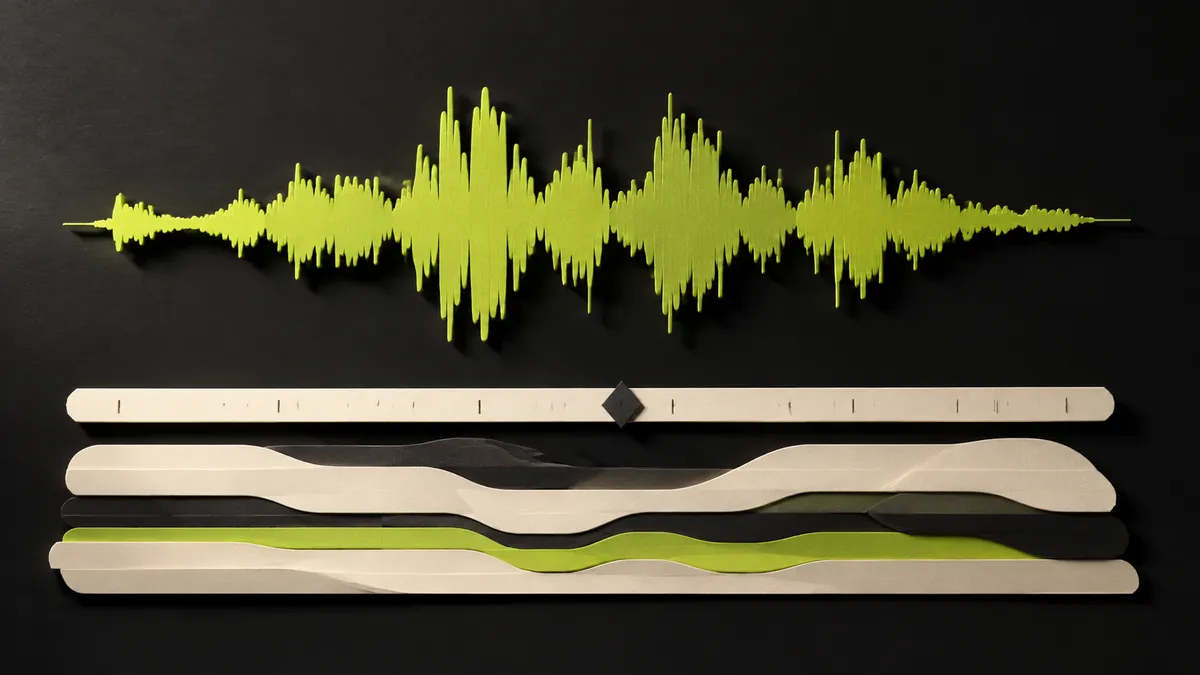
Follow the accompaniment's clock
A word beginning is a helpful landmark, not proof that the chord changes there. To place chords under a Suno vocal, listen for stable attacks in the bass and accompaniment while keeping a steady count. The singer may enter before the beat, stretch a syllable, or hold a note across a change. Open Music Theory describes anticipation as a note arriving ahead of the harmony to which it belongs. That explains one reason a vocal cue and a chord boundary need not coincide. Synchronized lyrics in AudioChords are a navigation aid; musical timing still needs checking against the sound.
Establish the beat without the words
A chord symbol near a lyric can tempt you to change harmony whenever that word begins. The musical change may arrive earlier or later. First tap a steady pulse through the passage while listening to the drums or another repeating part. Count the beats in several neighboring measures. If the singer begins before the downbeat, keep counting through the pickup rather than treating the first syllable as beat one. The vocal rhythm and harmonic rhythm are related, but they are not identical.
Listen to the accompaniment at the boundary
Choose a short passage that includes the chord before and after the disputed change. Listen for the stable bass note and the moment the accompaniment settles into a new collection of pitches. A quick bass approach note may lead toward the new chord without making the entire harmony change immediately. Play the old chord through the boundary, then try the new chord at the suspected beat. Compare the two versions while keeping your strum or keyboard attack equally quiet and consistent.
Practice the timing independently of the label
Use the synced lyrics and word highlighting in AudioChords as orientation aids, then trust the audible beat when placing your hands. Speak the count and make a silent chord change before adding sound. Once the motion works, sing the phrase over one simple attack per chord. This isolates the coordination problem from the arrangement. If the label itself remains uncertain, return to harmonic checking separately. Solving timing and chord identity at the same time can make both feel harder. End with a continuous run that begins at least one measure before the vocal entrance so that the pickup has a clear place to land.
Count an entrance before you edit it
In an invented example, the singer starts the word 'carry' on the final half-beat of a C bar, while F begins on beat one of the next bar. Count 'one and two and three and four and' through C, then 'one' into F. Hum the vocal pickup while continuing to play C until the new downbeat. Now try moving F early to the start of the word. Which version agrees with the bass and the held accompaniment? The exercise distinguishes an early lyric entrance from an early harmonic change. Repeat it without the vocal if a clear instrumental passage is available in your authorized source, but do not assume AudioChords provides stem extraction.
Troubleshoot drift rather than chasing syllables
If your chart matches the beginning but drifts later, check whether a phrase contains an extra beat or bar. If every change seems slightly early, check whether you counted the vocal pickup as beat one. If only a sustained syllable feels misplaced, the harmony may genuinely move underneath it. Keep an external note such as 'F on next downbeat, after pickup' instead of forcing all cues to align visually. Obtain a suitable local Suno MP3 using the official download options available to your account. Once the timing is stable, practice speaking the count and lyric cue together; this makes the entrance usable even when you look away from the screen.